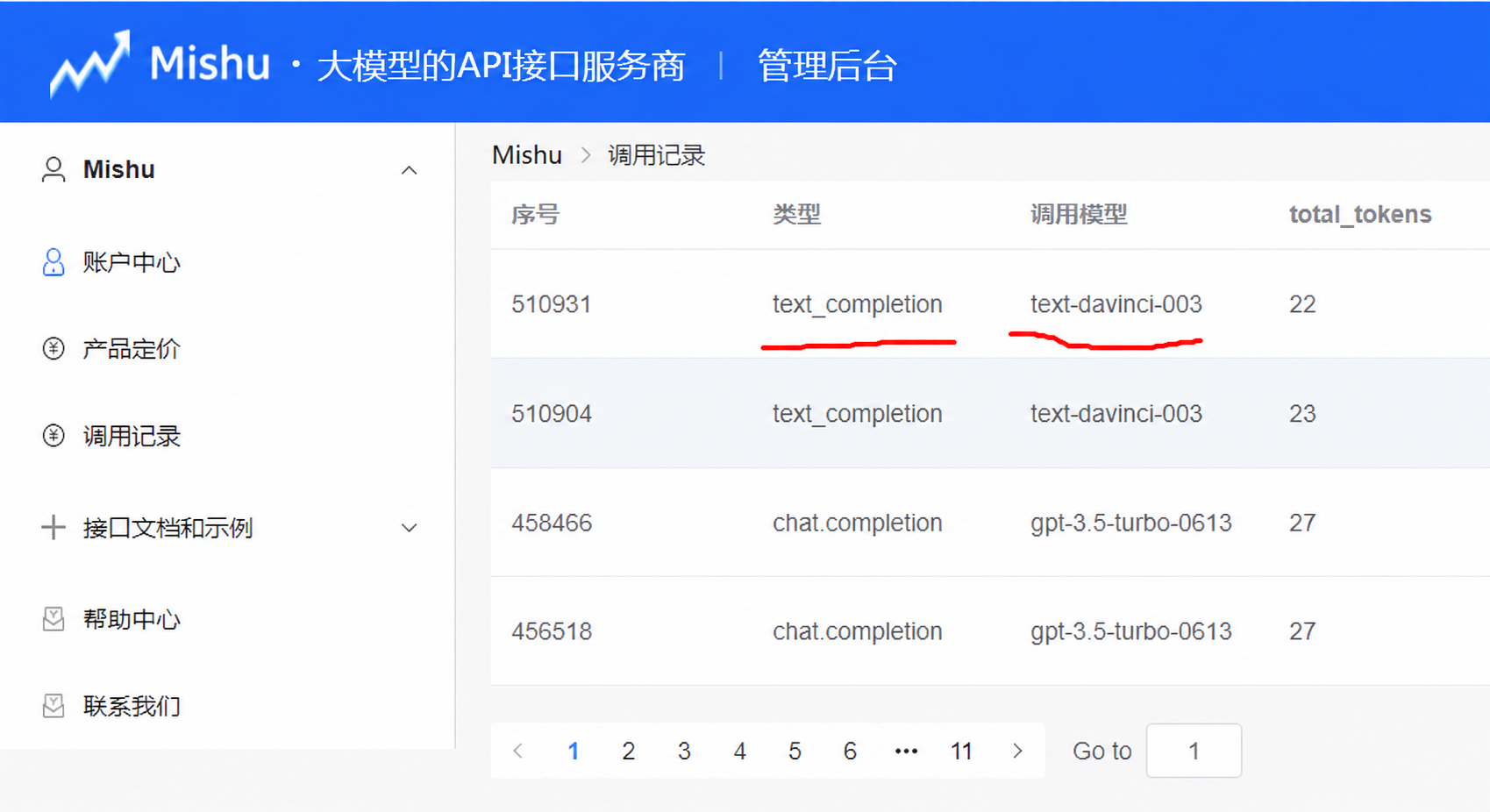
外观
langchain
示例代码,使用LLM进行预测和embedding
核心其实在于key和url的设置
方法有:
1、使用环境变量来设置
2、使用变量来传入
3、使用手动设置环境变量
import os
import requests
import time
import json
import time
from langchain.llms import OpenAI
from langchain.embeddings.openai import OpenAIEmbeddings
API_SECRET_KEY = "你的Mishu的key";
BASE_URL = "https://mishu.one/v1"; #Mishu的base-url
os.environ["OPENAI_API_KEY"] = API_SECRET_KEY
os.environ["OPENAI_API_BASE"] = BASE_URL
# 根据你提供的输入来预测输出,也就是进行问答:
def text():
llm = OpenAI(temperature=0.9,model='gpt-3.5-turbo-instruct')
text = "What would be a good company name for a company that makes colorful socks?"
print(llm(text))
def embedding():
embeddings = OpenAIEmbeddings()
#text = "This is a test document."
#doc_result = embeddings.embed_documents([text]);
doc_result = embeddings.embed_documents(
[
"Hi there!",
"Oh, hello!",
"What's your name?",
"My friends call me World",
"Hello World!"
]
);
print(doc_result)
# 查询
embedded_query = embeddings.embed_query("What was the name mentioned in the conversation?")
print(embedded_query)
if __name__ == '__main__':
#text();
embedding();可以从后台看到langchain是怎么调用Mishu接口的: