外观
文字生成图片
import os
import requests
import time
import json

# 请求openai的API生成图片
def images_generations():
    response = requests.post(
        # Mishu的API base_url,优质稳定的api
        "https://mishu.one/v1/images/generations",
        headers={
            "Content-Type": "application/json",
            "Authorization": "Bearer $api_secret_key"  # 用您的Mishuapi_secret_key替换此处
        },
        json={
             "model": "dall-e-3",
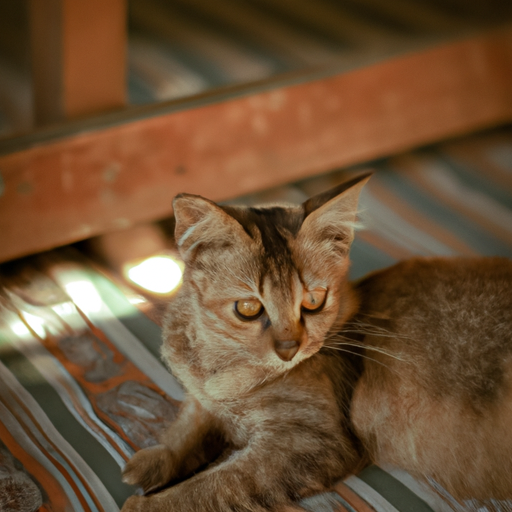
            "prompt": "a cat sitting on a mat",  # 图像描述
            "n": 1,  # 生成图像数量
            "size": "512x512",  # 图像大小
            "response_format": "url"  # 图像格式
        }
    )
    # 获取图像URL
    print(response.text)
    image_url = json.loads(response.text)["data"][0]["url"]

    # 下载图像
    response = requests.get(image_url)

    # 保存图像
    with open("cat.png", "wb") as f:
        f.write(response.content)

if __name__ == '__main__':
    images_generations();
这段代码将发送一个请求到openai API,其中包含模型名称、图像描述、生成图像数量、图像大小和图像格式等参数。openai API将使用这些参数生成一个图像,并将图像URL作为响应返回。然后,您可以使用Python的requests库下载和保存生成的图像。
来欣赏一下吧